Flip Maze
A downloadable business card game
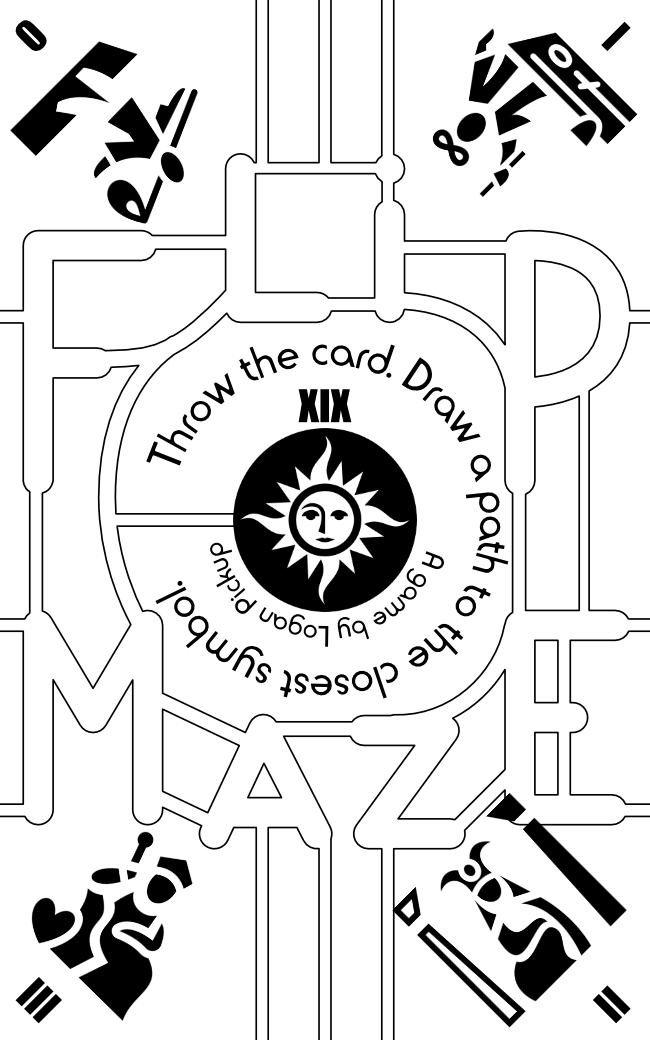
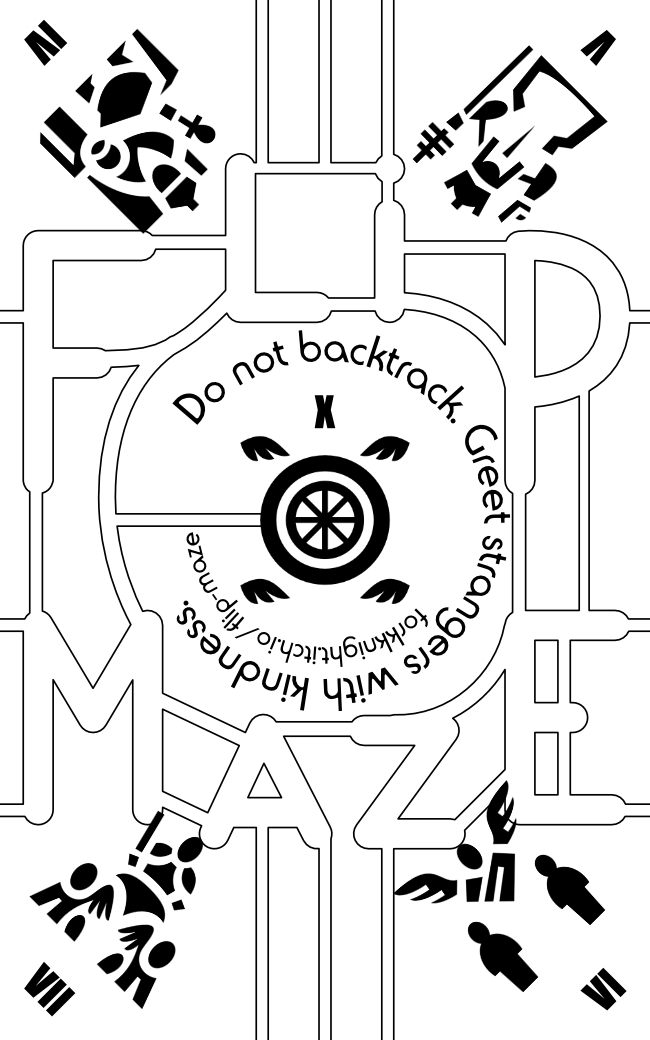
Flip Maze is a solo, business-card-sized game about navigating a maze and the tarot. Once the card is printed, throw it in the air and draw a path along the maze to the symbol closest to you. Can you get to the sun or the wheel of fortune without crossing your path?
All the rules are on the card itself. Since the rules are so minimal, there is a lot of room for interpretation. You can use this business card game:
- as a fun distraction for a few minutes as you doodle around the maze's passages;
- as a portable divination device - the icons on the card are the first 8 major arcana, plus the sun and the wheel of fortune - and a couple of flips can give some quick inspiration;
- as an imagined role-play experience, where an explorer navigates a twisting maze, meeting all manner of strange occupants.
The intention is that the "closest symbol" is the symbol that falls closest to the person playing the game.
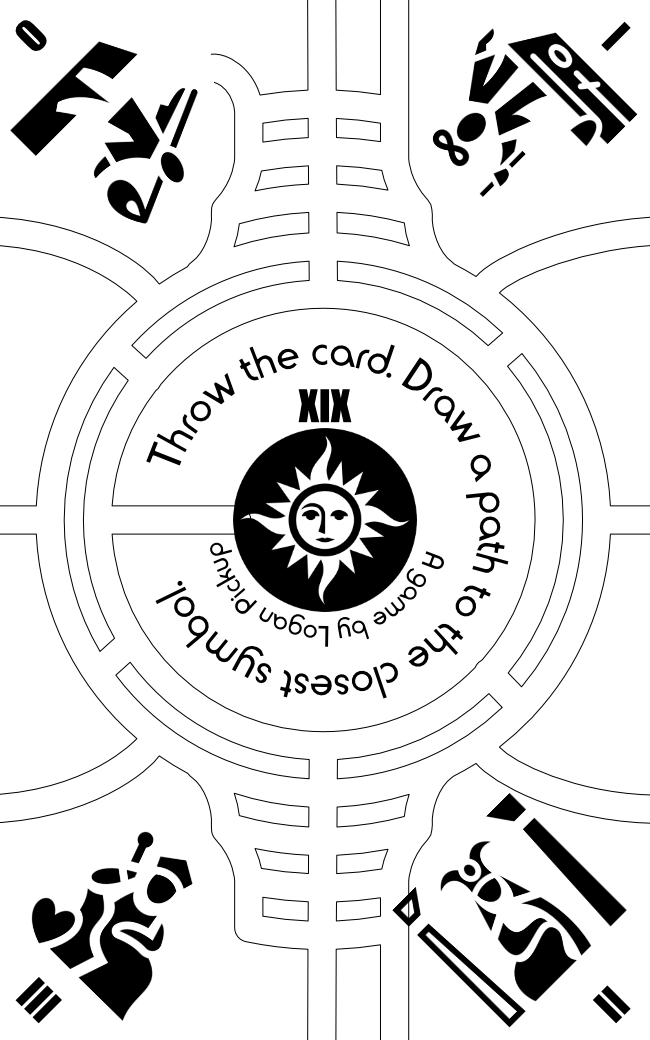
There are two versions included. You can see both versions in the preview images. The first version has the title as the maze; the second is a more interconnected maze inspired by labyrinth designs.
These designs do not have margins or bleed. It is very difficult to print them so that the paths that cross to the other side of the card line up properly! Here are some tips if you are printing yourself:
- The "FLIP MAZE" maze design is designed to be printed double-sided on a business card with the setting "flip on long edge" for the connectors to line up - the connectors on top/bottom are symmetrical, but the ones on the side are not. However, if you are printing the card in portrait on a landscape piece of paper (in order to get the most cards per piece of paper), you must use the "flip on short edge" setting, because the paper's short edge is the card's long edge.
- The alternate design, on the other hand, must be printed with the setting "flip on short edge", again due to the symmetry of the connectors, but again if printing as above you will need to use the "flip on long edge" setting. No, I do not know why I made this part so contrary.
- You can print 10 at a time on an A4 (and probably a US Letter) piece of paper. To do so using Adobe Acrobat, use these settings:
- Pages to Print: Pages: 1,1,1,1,1,1,1,1,1,1,2,2,2,2,2,2,2,2,2,2
- Page Sizing and Handling: Multiple, Pages per sheet: 5 by 2, Page order: Horizontal
- Print on both sides of paper: on, Flip on long edge/Flip on short edge as appropriate depending on which one you're printing.
- Page Setup: Orientation: landscape
- If you print using Affinity Publisher, the setting are different:
- Orientation: landscape
- Layout: Double-sided: Flip long side/Flip short side as appropriate, Model: N-Up, across: 5, Down: 2, Repeat: 10.
- Also in the N-Up settings, you will need to set the margin very carefully. Affinity doesn't automatically centre the spread or respect the printer's margins, so we will need to centre it ourselves. If the margins are greater than 11mm, then you cannot print this spread on A4; try 4x2 instead or 3x3 in portrait.
- For the Left margin, use 11mm if you are printing on A4 (A4 width = 297mm, minus 55mm x 5 = 275mm, equals 22m, i.e. 11mm each side).
- The Top margin should be 17mm for A4 (A4 height = 210mm, minus 88mm x 2 = 176mm, equals 34mm, i.e. 17mm each side).
Download
Click download now to get access to the following files:

Leave a comment
Log in with itch.io to leave a comment.